All posts / Article / 6 min read
Build a personal knowledge base: with backlinks, tags and search
A knowledge base is made of small, linked notes. With a page tree, backlinks and tags, your collection becomes a web in which you quickly find your way.
What makes a knowledge base
We all know it: good ideas are written down somewhere, but where? A personal knowledge base solves that by not only storing notes but connecting them. Each page covers one topic, and links show how the topics relate. Mumbin is built for this, yet stays calm and simple.
Step 1: Set up a structure in the page tree
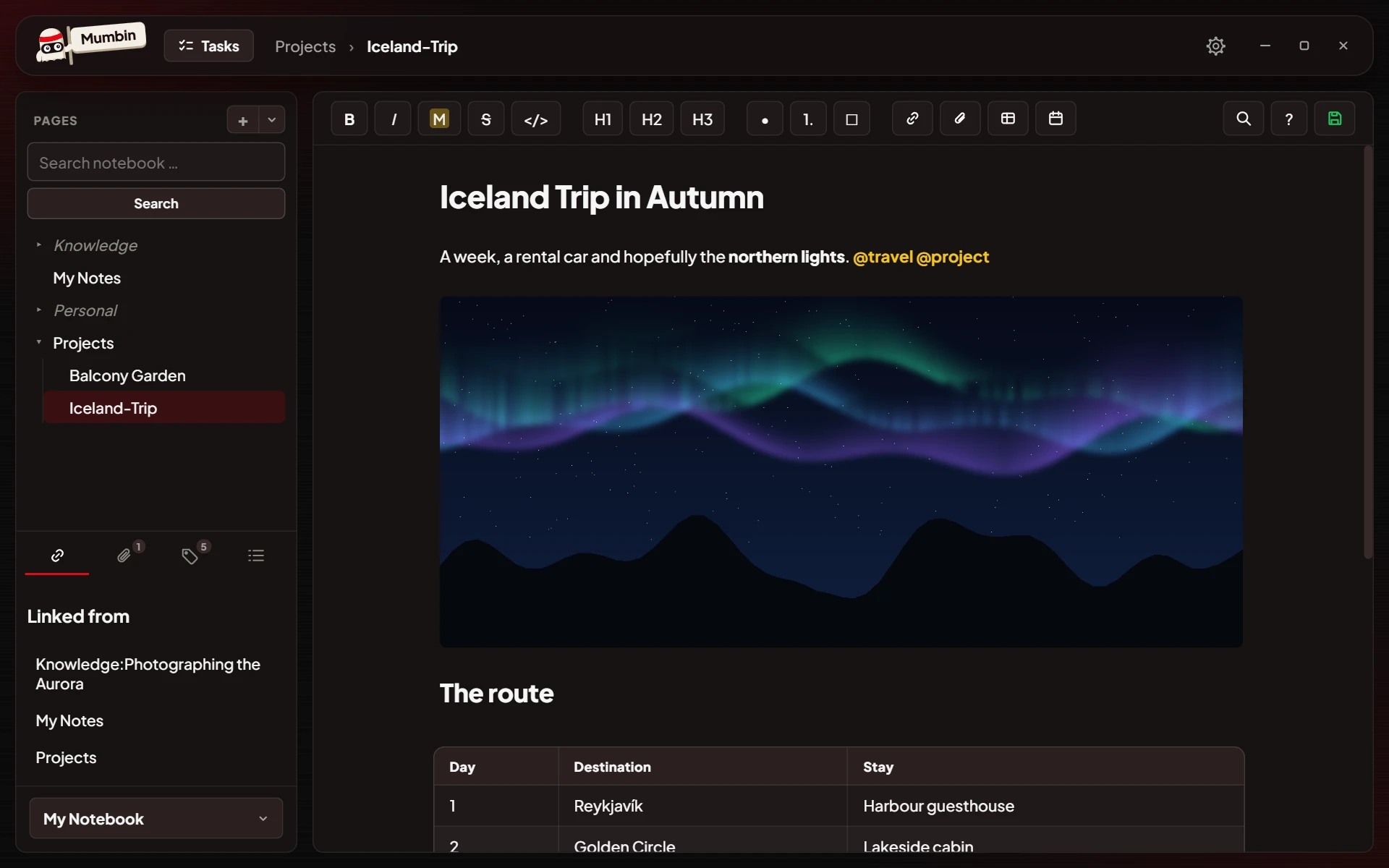
Pages sit in a tree with subpages. Start roughly, for example with Projects, Knowledge and Personal, and create single topics beneath. You can rename or move pages at any time without breaking references.
Step 2: Link pages to each other
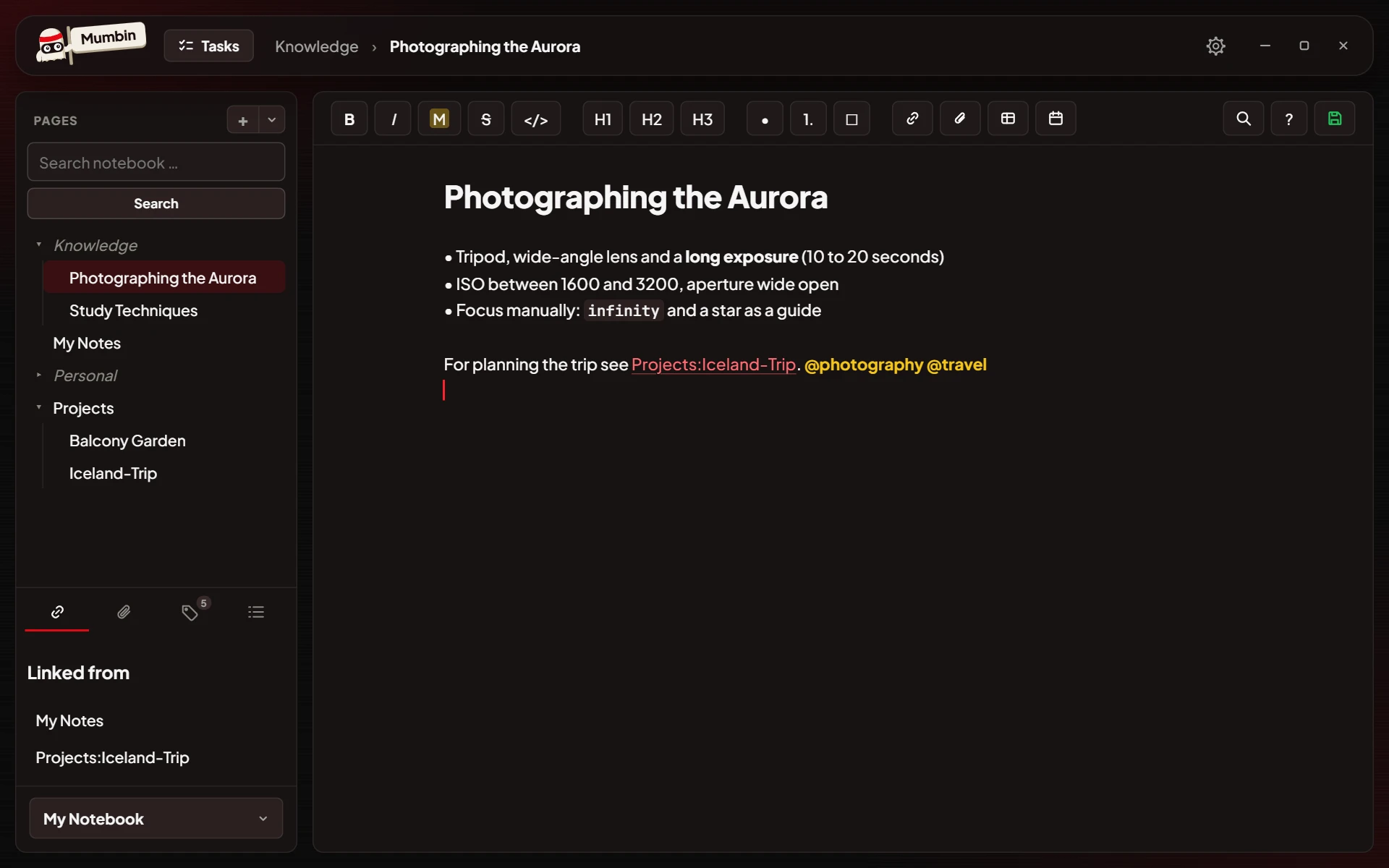
Link related pages right in the text. Below the page tree, backlinks show for every page who refers to it. Your knowledge grows in both directions.
Step 3: Organise across with tags
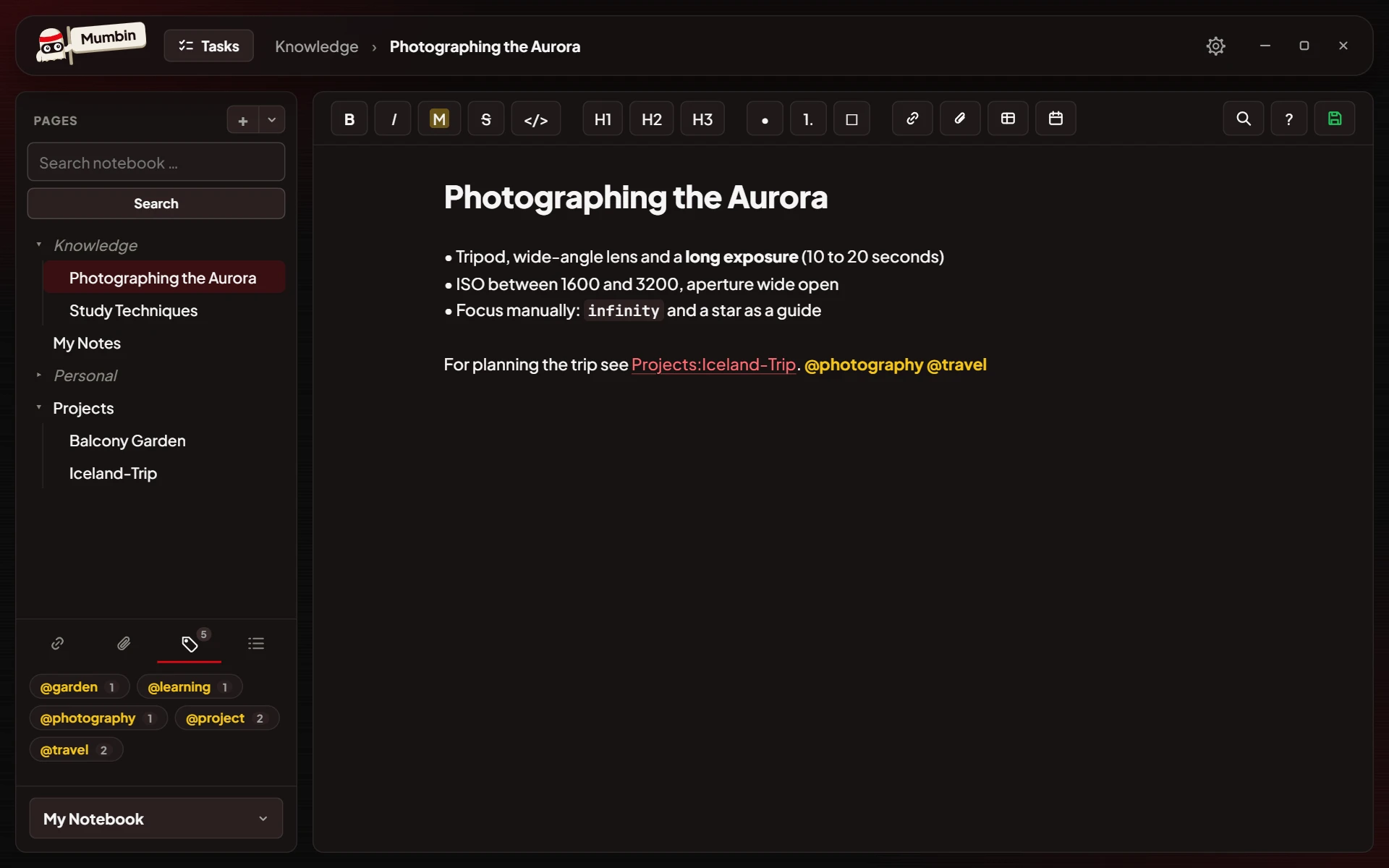
Tags such as @idea, @reading or @important organise pages independently of their place in the tree. The tag cloud shows which topics matter to you.
Step 4: Find things fast
Search covers titles and text. Quotation marks find phrases, a minus excludes terms, and @tag or a page name narrows things down. Ctrl+J jumps to any page in seconds. Even in a sample notebook with 2,000 pages, full-text search returns its hits in about 51 milliseconds.
Step 5: Add tasks and attachments
A topic often comes with tasks and files. You put both right at the page: checkboxes are collected in the task overview, PDFs and pictures stay with it as attachments.
Does your knowledge stay yours?
Yes: everything lives locally as text files in a folder. If pages are confidential, you protect them with a password or create a sealed notebook right away. More in the guide “Encrypt notes”.
Frequently asked questions
What are backlinks?
A backlink shows you, on every page, which other pages link to it. That way you discover connections you did not have in mind while writing.
Do links break when I rename pages?
No. When you rename or move a page, Mumbin carries the links along so that references stay intact.