What can I keep in Mumbin?
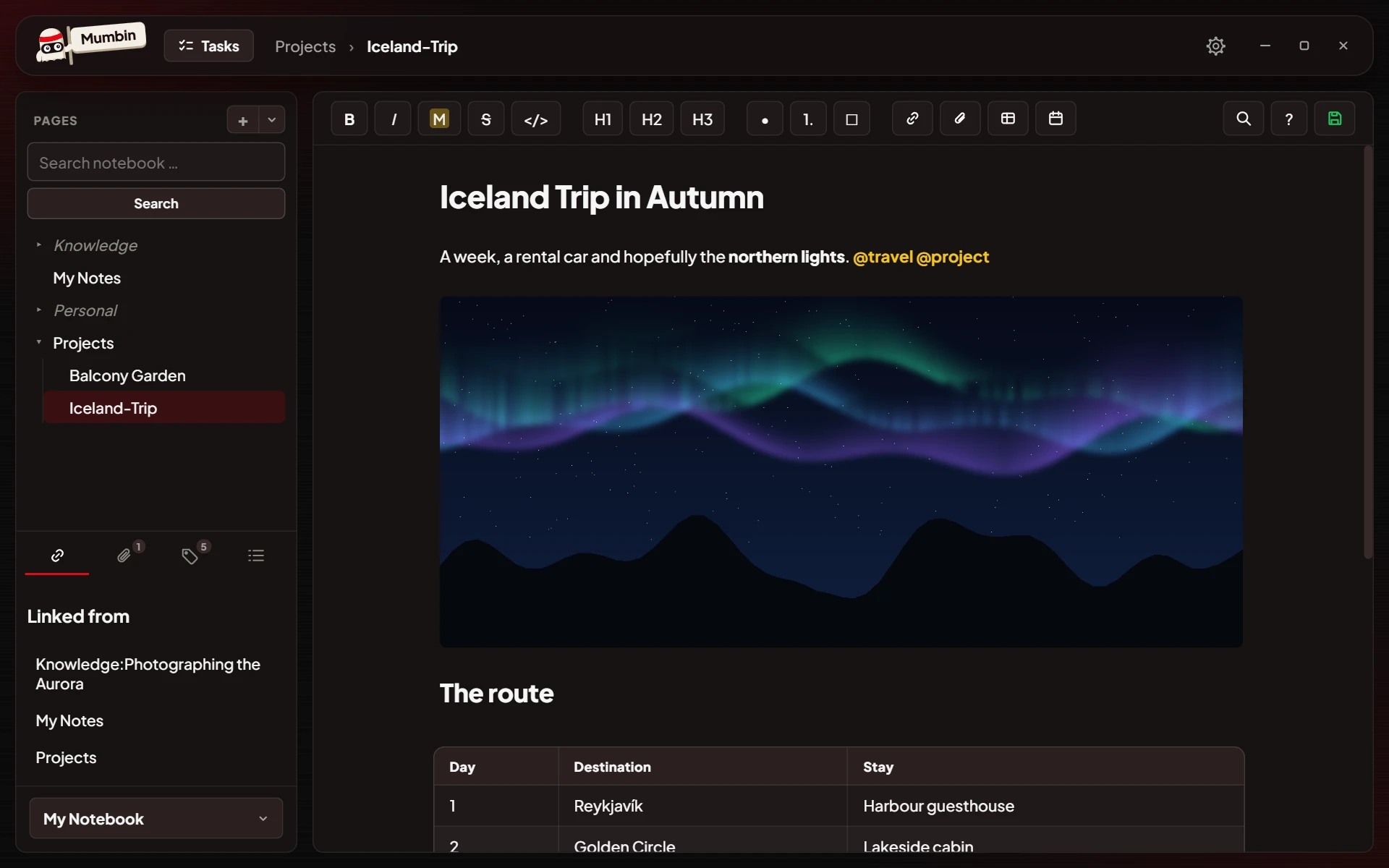
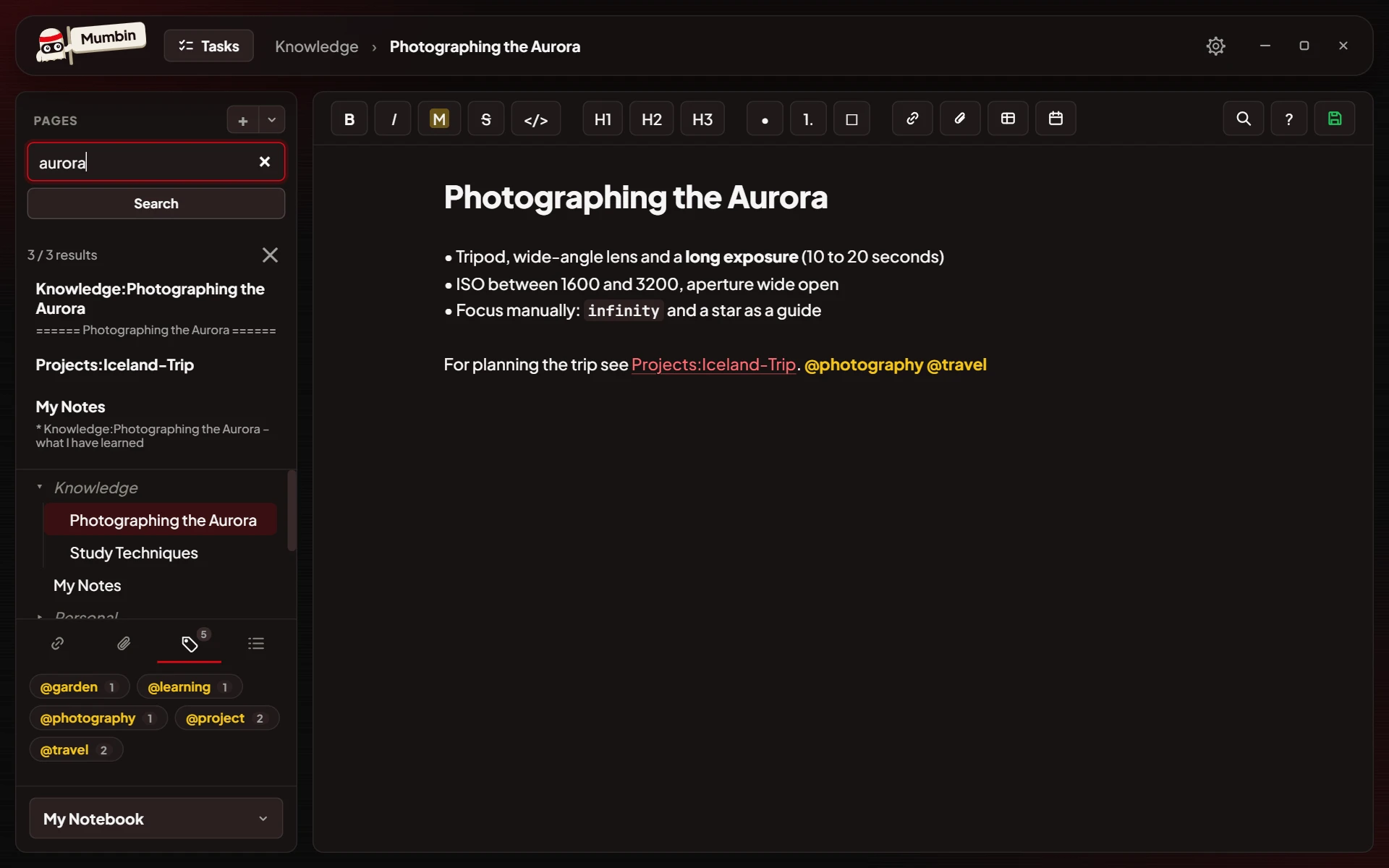
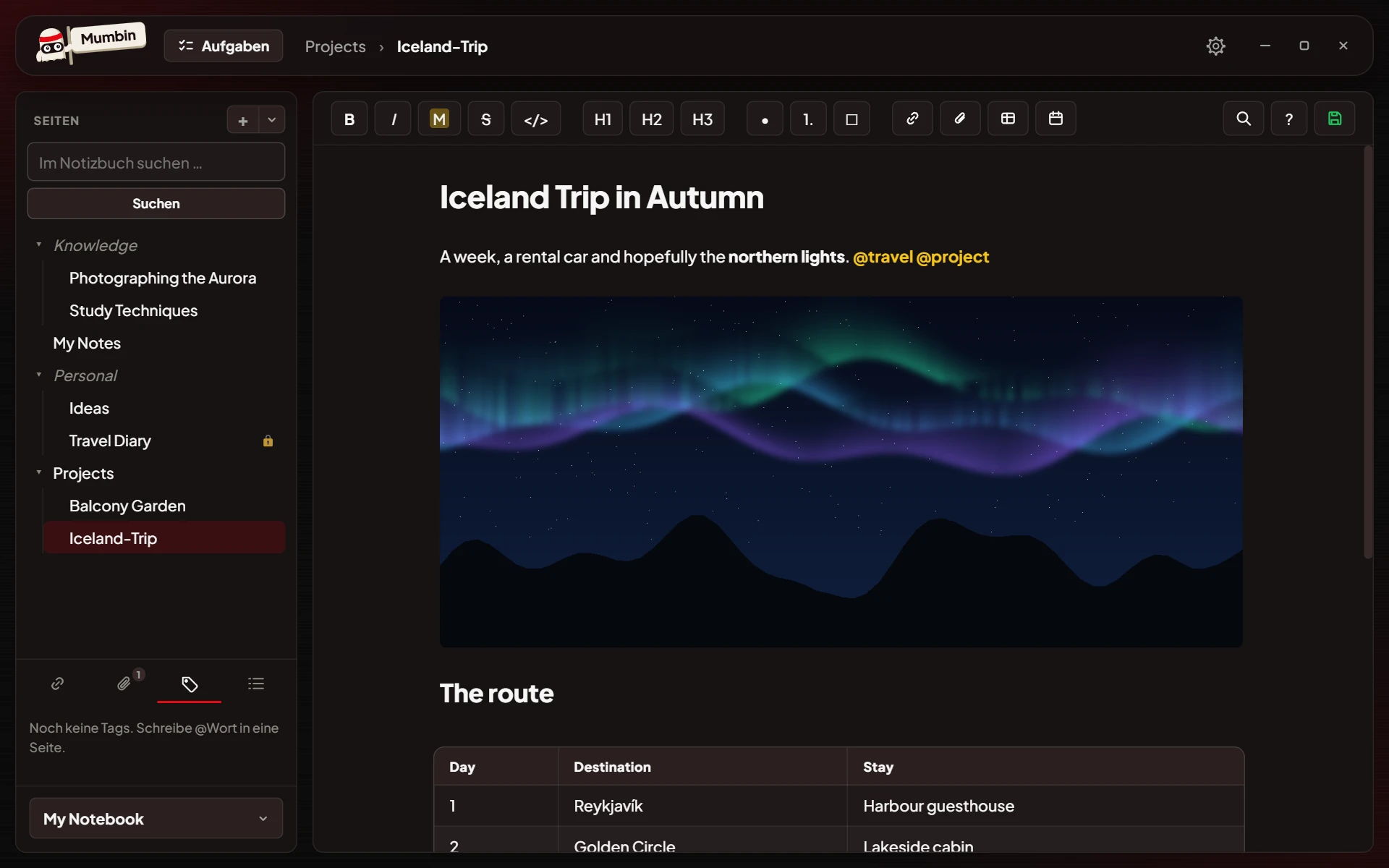
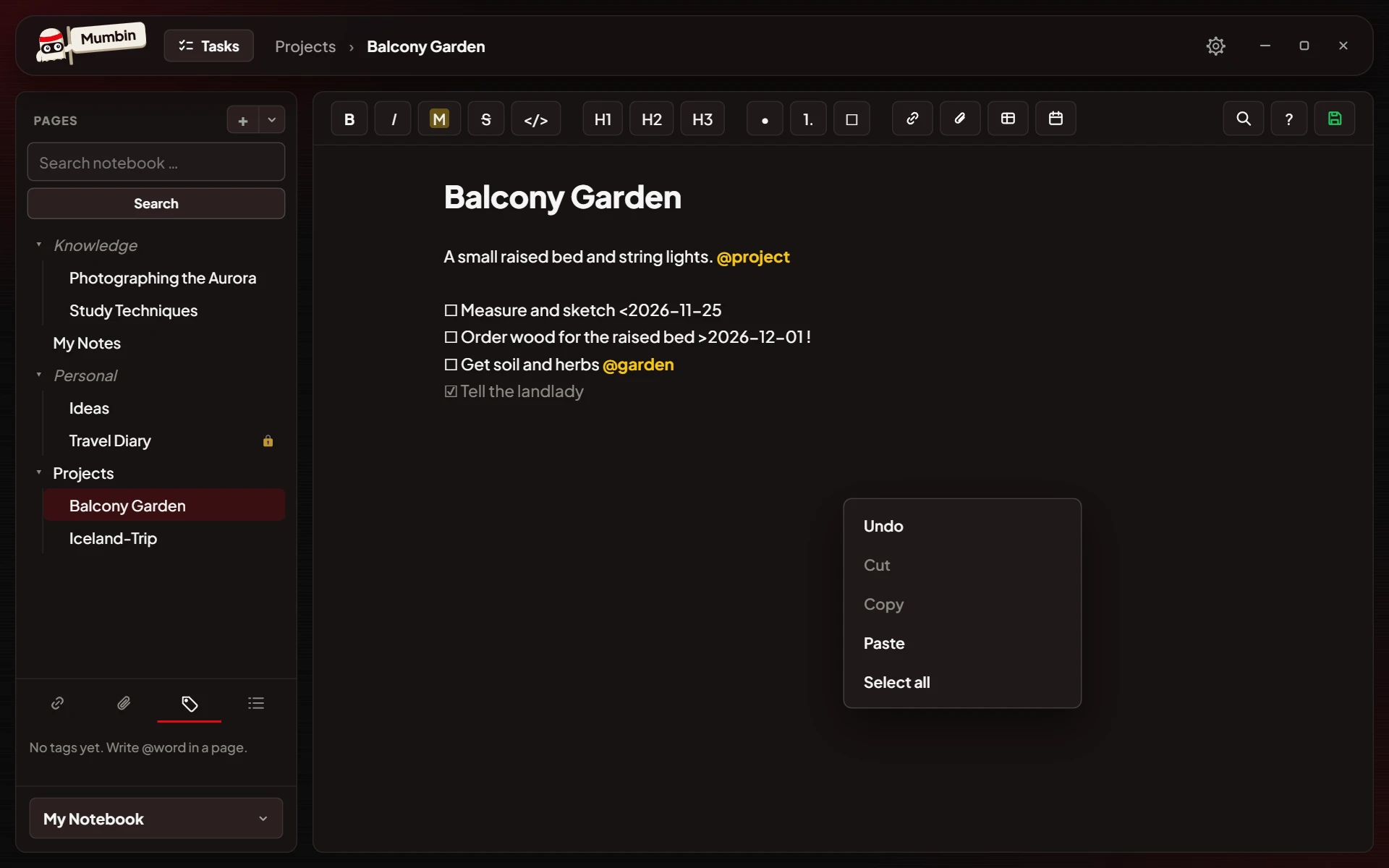
Formatted text, tables, pictures and any file as an attachment, for example PDFs, scans or spreadsheets. Everything stays in your notebook folder. Mumbin shows pictures and opens other files with the matching program.
Do I have to install anything?
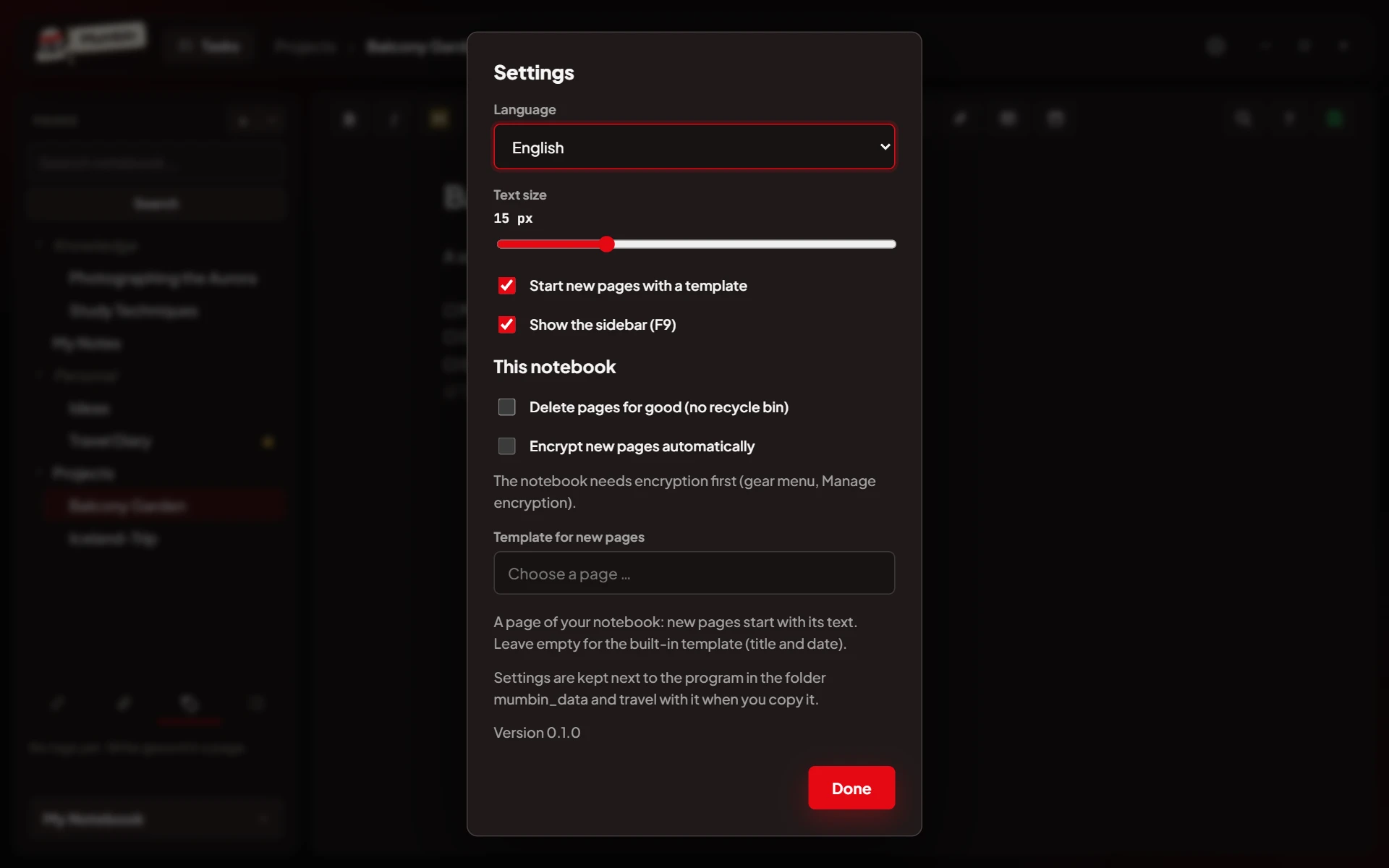
No. Mumbin is a portable EXE: put it in a folder you can write to and run it. Settings are stored beside it in mumbin_data. It needs the Microsoft Edge WebView2 runtime, which many Windows PCs already have.
Does Mumbin send my notes to the internet?
No. The app stores notes locally and has no cloud connection and no telemetry. Links you click on purpose open your browser or the matching program. This website is served by GitHub Pages, independently of the app.
How secure is the encryption?
Mumbin derives the key from your password with Argon2id and encrypts with XChaCha20-Poly1305; if someone alters a file, decryption notices. The format is open: you can read it in the source code and in the Python tool.
Who owns my password?
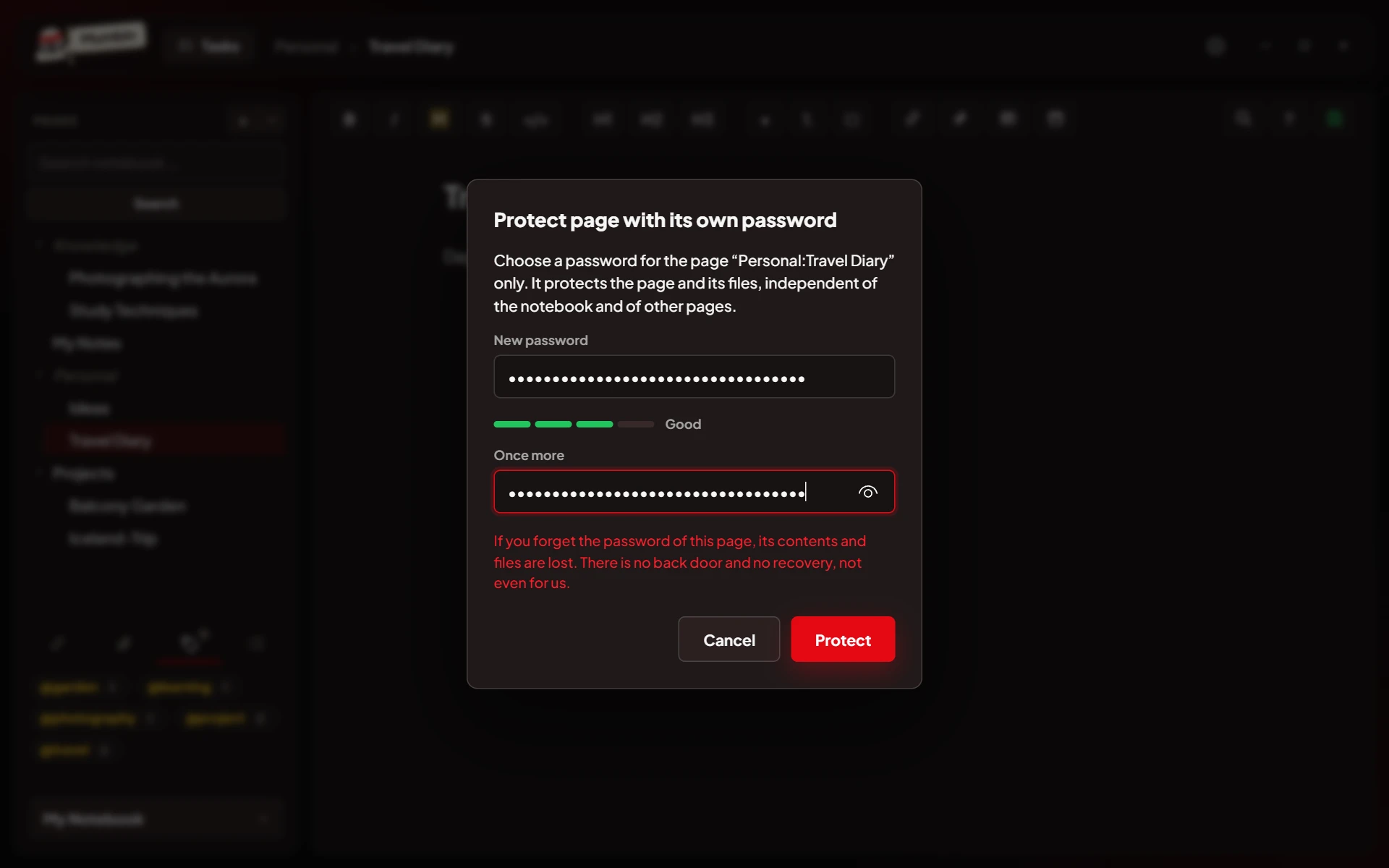
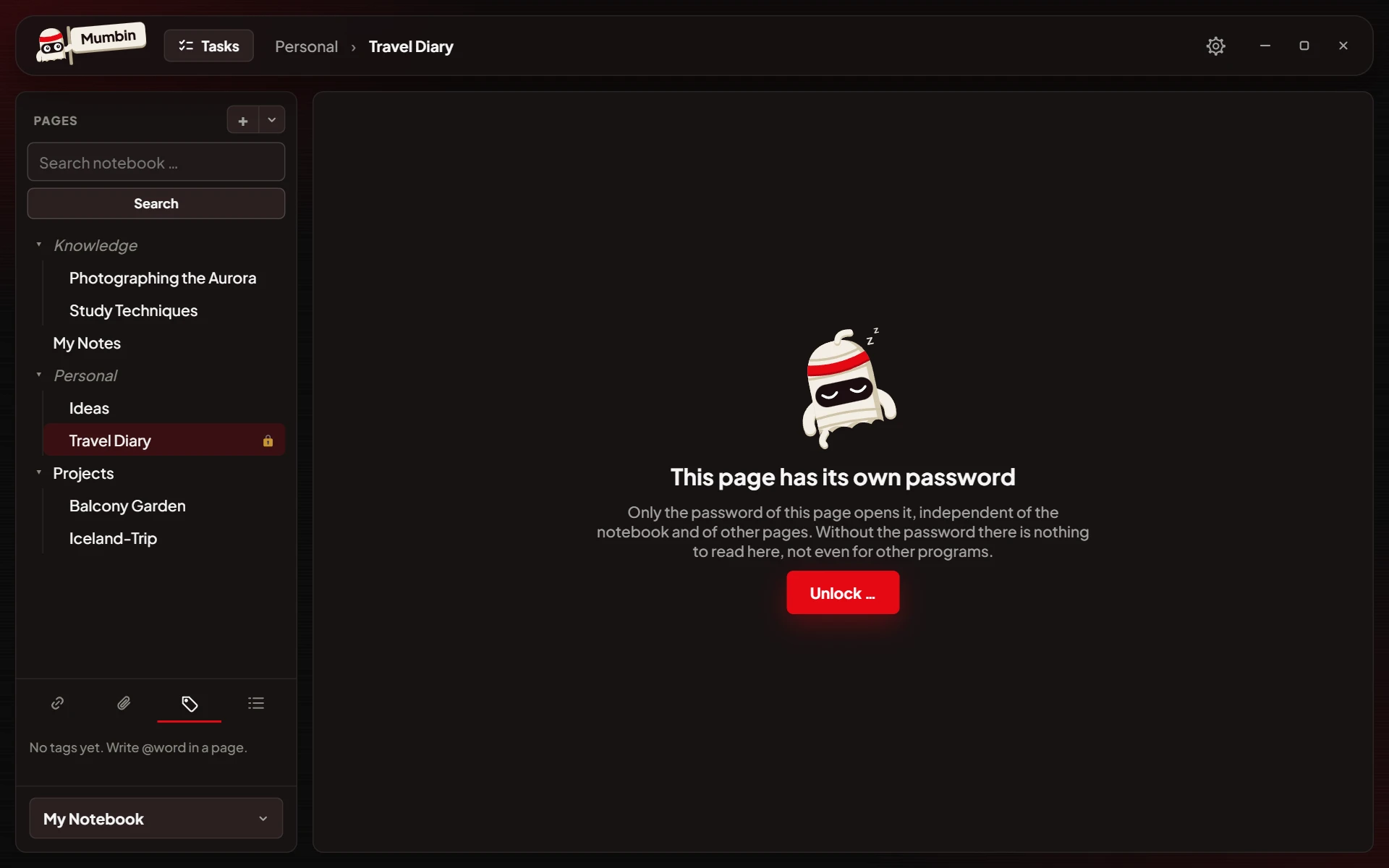
Only you. There is no back door – so nobody but you can open your protected pages, not even the independent tool without your password. Keep it safe and back up your notebook folder.
Which protection should I choose?
For single confidential pages a password of their own is enough. The vault protects several pages with one key. If the names of pages and attachments should be hidden too, choose sealing when you create the notebook.
Will my notes stay readable if Mumbin disappears?
Unprotected pages are plain text files. You open protected pages with the included Python tool and your password – without Mumbin.
Can I use my notes on several PCs?
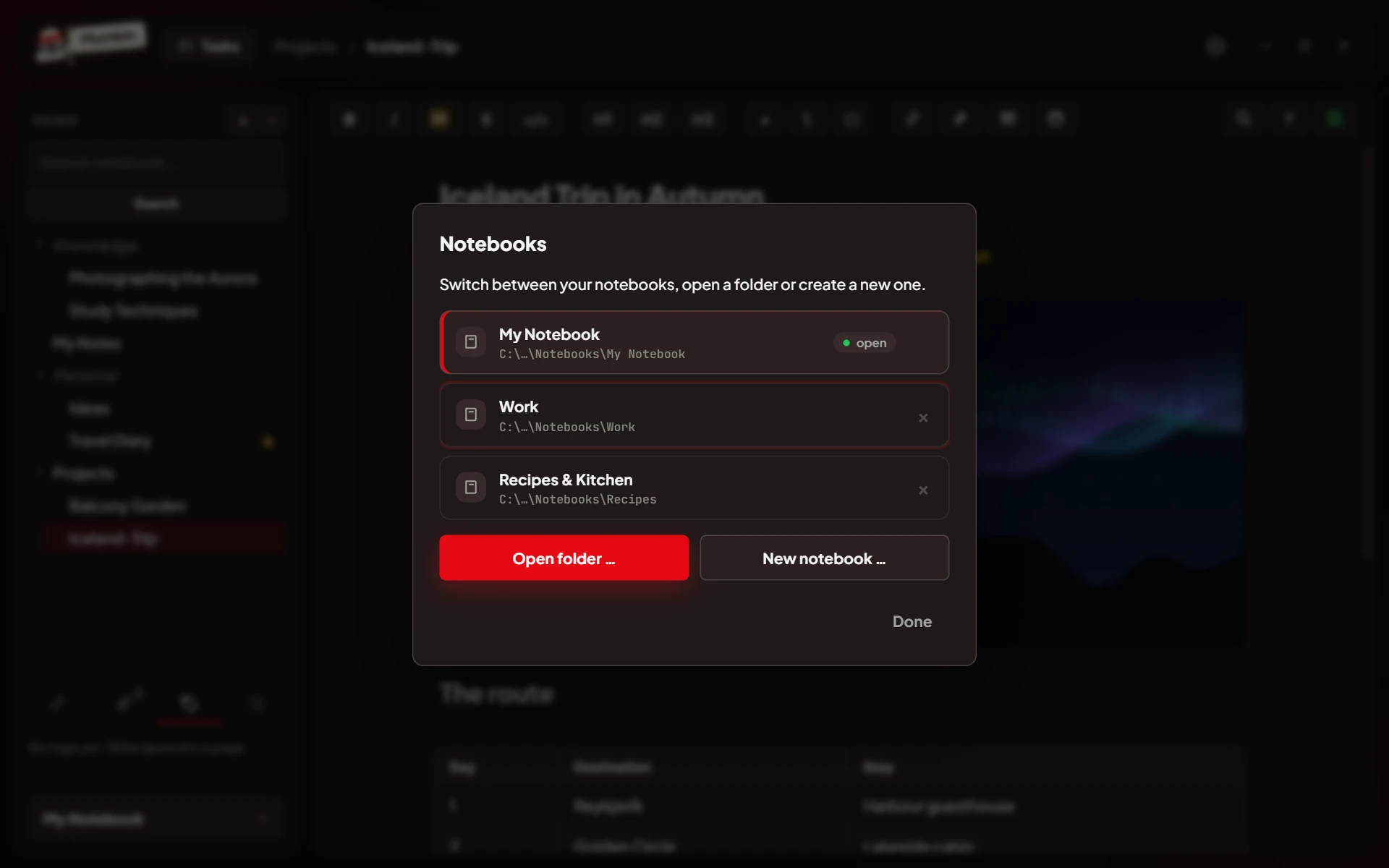
Yes: copy the notebook folder and the EXE, for example on a USB stick, or mirror the folder with a file-sync service of your choice. That way your notes are with you everywhere – without an account.
Can I export or print my notes?
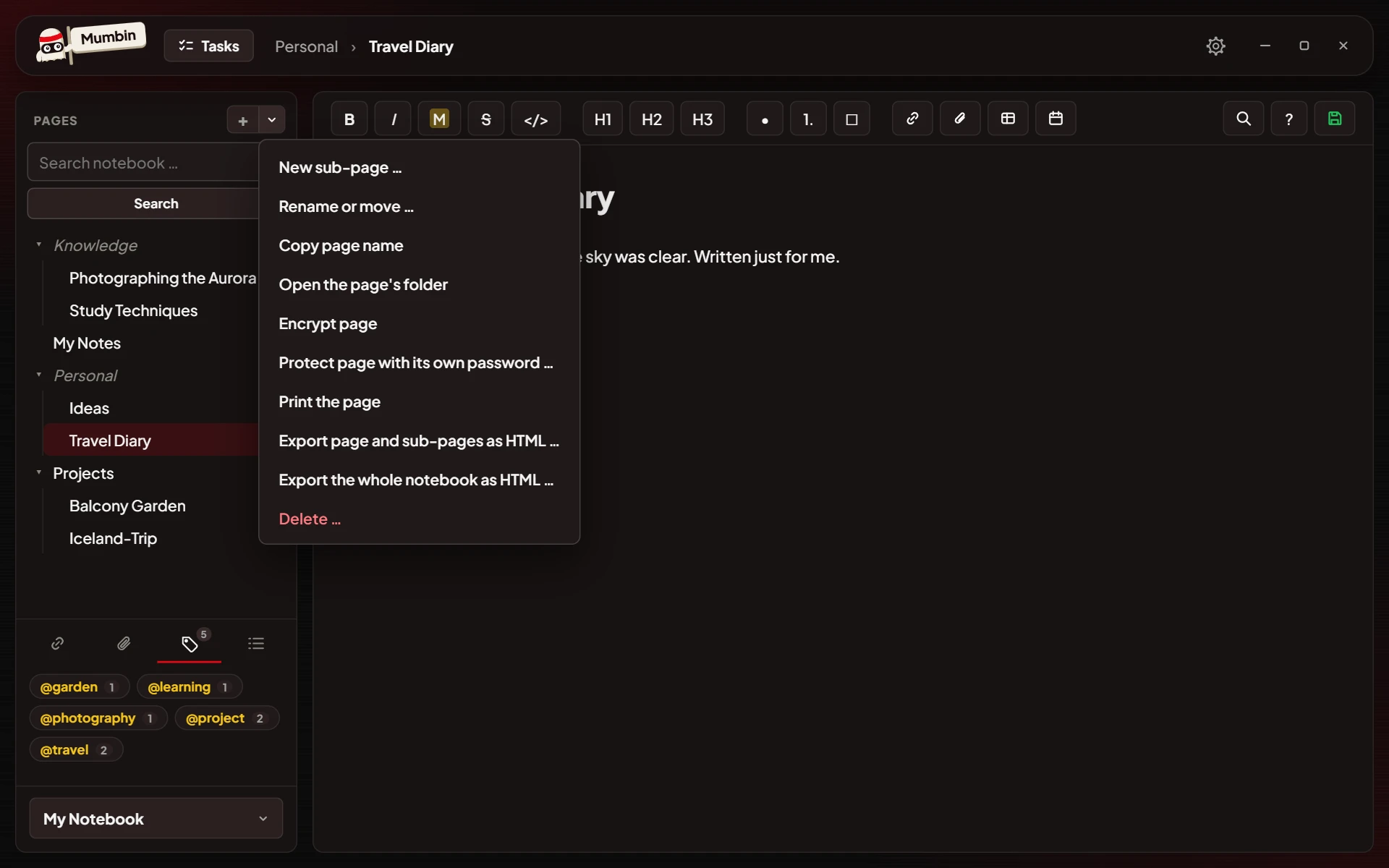
Yes. A page, a branch or the whole notebook can be exported as HTML; pages can be printed. Unlocked protected pages appear in plain text in an export.
How do tasks work?
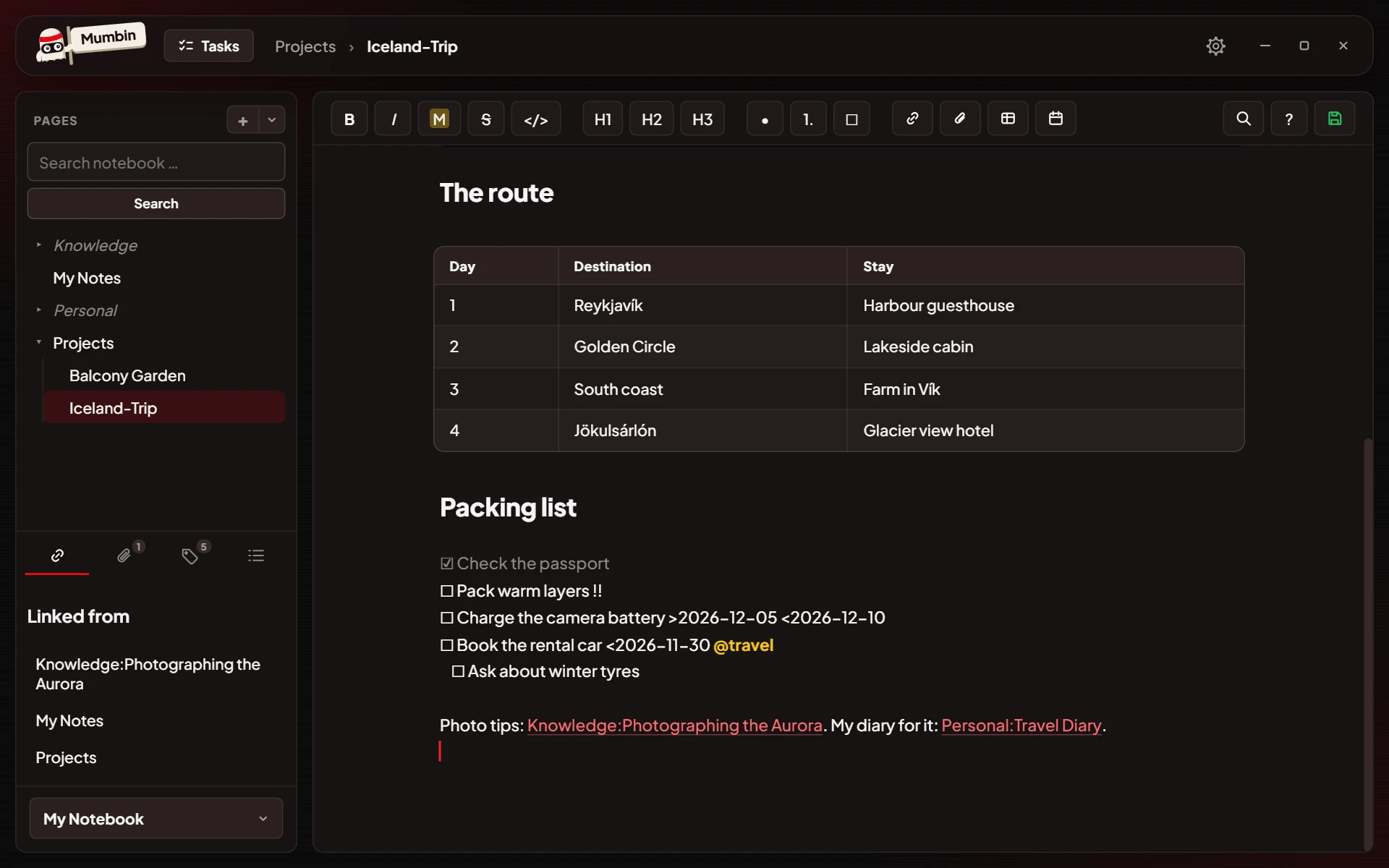
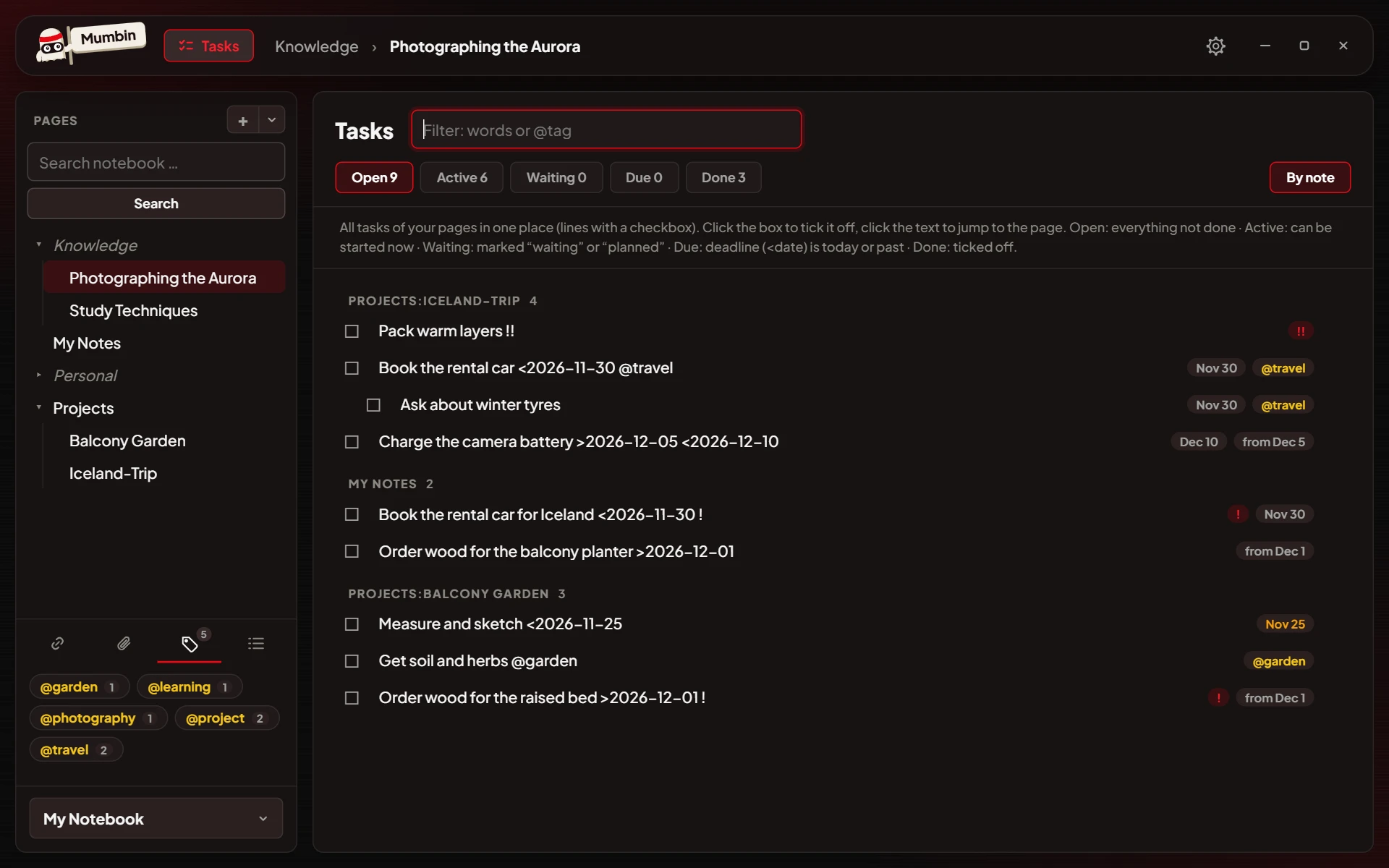
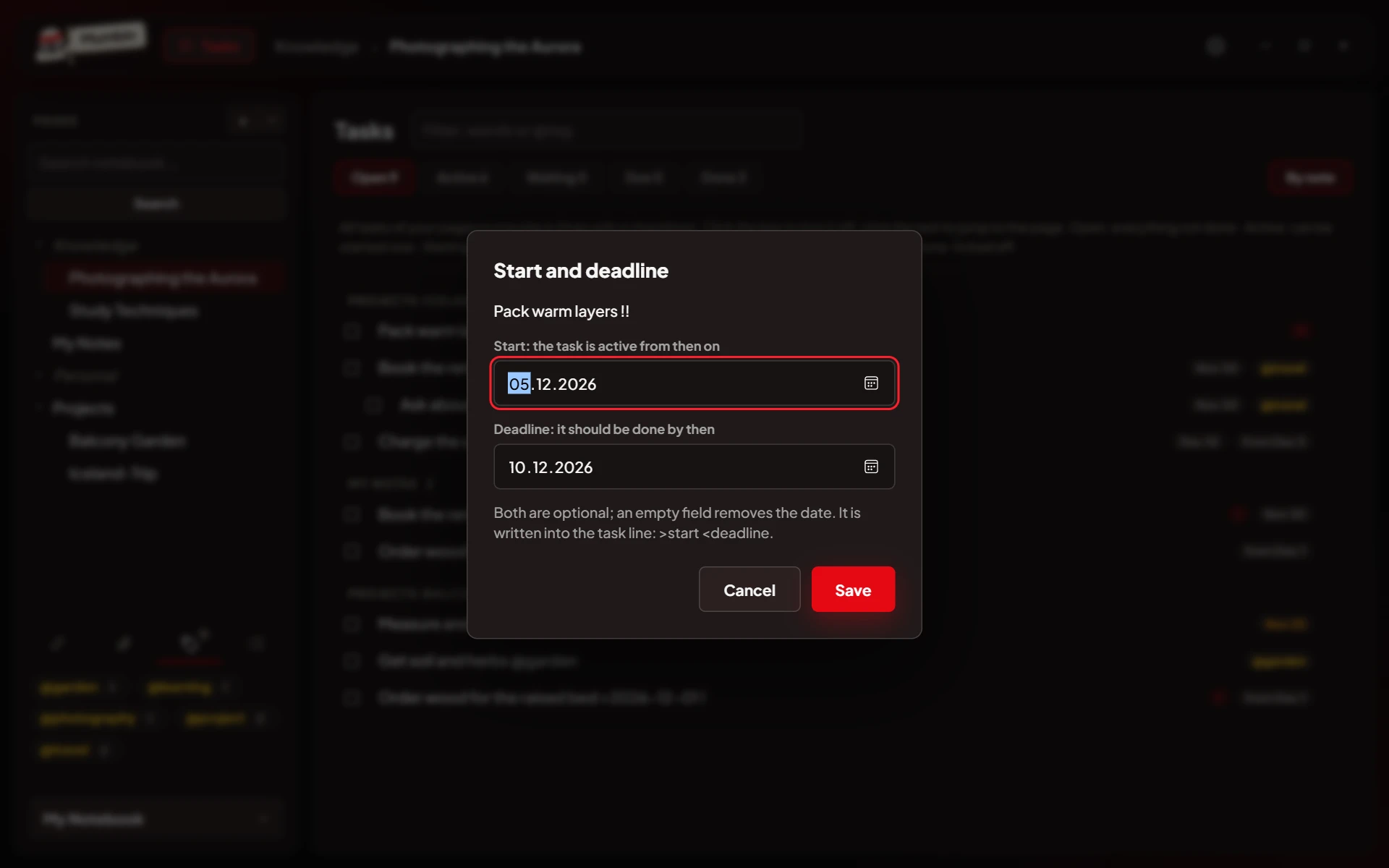
You write a checkbox into a note, optionally with a start and a deadline. The task overview collects all tasks of your pages, grouped by note or as one list.
Can I bring existing texts and files along?
Yes: paste texts straight into a page and keep files as attachments. Everything ends up in your notebook folder.