All posts / Article / 6 min read
How secure is Mumbin? The encryption explained simply
Mumbin protects notes with proven, openly documented methods. Here is a plain-language look at what is behind it and how to get the most out of it.
The principle in one sentence
Your password is turned into a strong key, and that key encrypts your pages and attachments so that without the password they look like random data.
The building blocks
- Argon2id derives the key from your password. The method is deliberately demanding in computing time and memory, so guessing at scale becomes laborious.
- XChaCha20-Poly1305 encrypts the content. It is an authenticated method: if someone alters an encrypted file, decryption notices.
- A well-checked library: both methods come from libsodium, a widely used and well-reviewed cryptography library.
Three kinds of protection for different needs
You choose how much protection you need:
- A password per page: separate access for single pages with their attachments.
- Vault: one passphrase protects every page you hand to the vault.
- Sealed notebook: everything is encrypted, even the names of pages and attachments on disk.
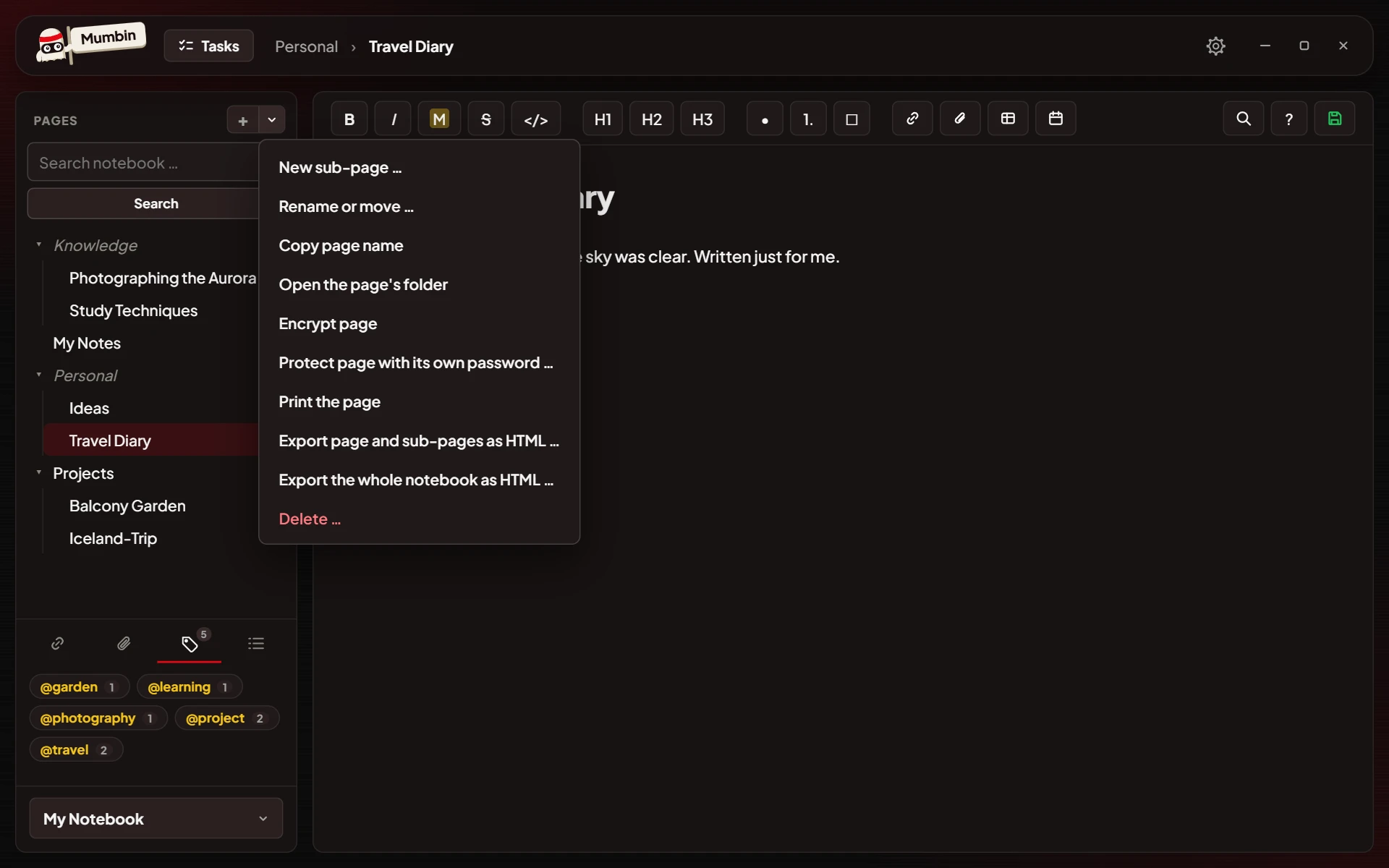
The steps for each variant are in the guide “Encrypt notes”.
Locked really means locked
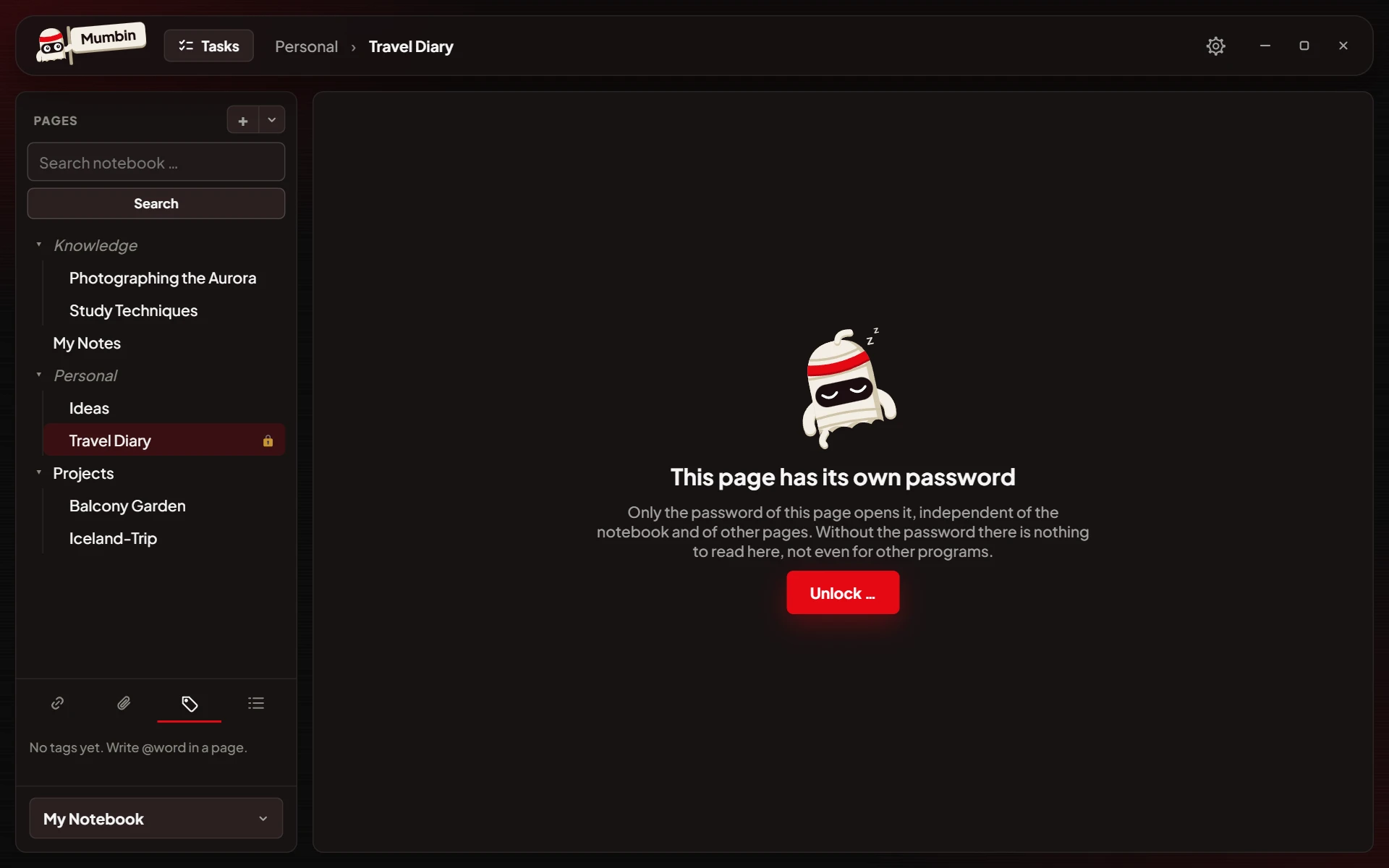
A locked page shows only the unlock button. While it is locked, Mumbin keeps no keys in memory. Locked content deliberately does not appear in search, the task overview or exports. The automatic lock closes open pages after an idle time that you set.
Open and verifiable
Trust comes from being able to check. The source code of Mumbin is publicly viewable, automated tests cover encryption and attacks on file names, and an independent Python tool decrypts your notebook with the right password even without Mumbin. So you do not depend on a single program.
How to get the most out of it
- Choose a long password or a passphrase of several words. For page passwords Mumbin requires at least ten characters.
- Use a password for your notebook that you use nowhere else.
- Keep the password safe, for example in a password manager.
- Back up the notebook folder regularly; with encrypted notebooks that is simply copying, too.
- When you export, unlocked pages are written in plain text. Pass exports on deliberately.
Frequently asked questions
Which encryption does Mumbin use?
Mumbin derives the key from your password with Argon2id and encrypts the content with XChaCha20-Poly1305. Both methods come from the libsodium cryptography library and are considered modern and well studied.
Is there a back door or password recovery?
No. The password belongs to you alone. That is why there is no back door and nobody but you can open protected pages. Keep your password safe.
Can I check the encryption myself?
Yes. The source code is publicly viewable, and the format is described at the top of the independent Python tool, which opens protected content with your password even without Mumbin.