All posts / Article / 5 min read
A portable notes app: use your notes on a USB stick and on several PCs
One EXE and one folder: that is all Mumbin needs. It makes your notes mobile – from desk to laptop, from office to home.
What “portable” means
A portable application runs straight from a folder without installation. Mumbin is built that way: the file mumbin.exe is about 4.3 megabytes, and the settings sit in the mumbin_data folder beside it. You can put both on a USB stick and start them on any suitable Windows PC.
Your notebook is a folder
Every notebook lives in a folder. Unprotected pages are plain text files, attachments sit in folders beside them. That way a notebook can be copied, backed up and moved like any other folder:
How to take everything along
- Close Mumbin or wait until “saved” is shown.
- Copy the notebook folder and
mumbin.exewith itsmumbin_datafolder onto the USB stick. - Start the EXE on the other PC and open the notebook folder.
The detailed steps are in the guide “Take your notebook”.
Protected on the move
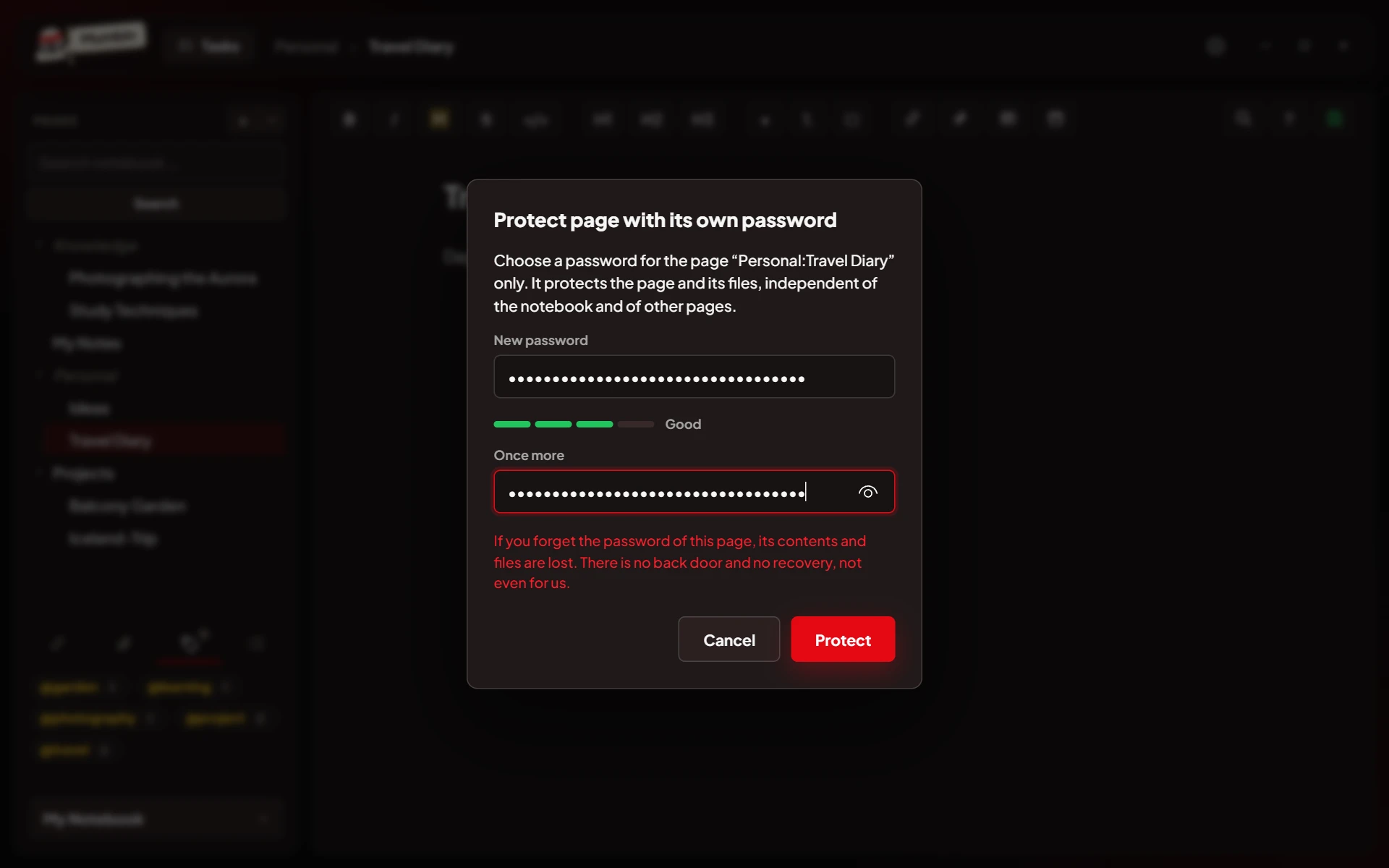
Encryption is especially worthwhile on a USB stick. If you lose the stick, pages with a password cannot be read without it, and with a sealed notebook even the file names stay hidden. The kinds of protection are explained in the guide “Encrypt notes”.
Several PCs without an account
Instead of a cloud account you use what you already have: a USB stick, an external drive or a file-sync service of your choice. Mumbin asks for no sign-in and sends no data to the internet. More benefits of local notes are described in the article Keep notes without the cloud.
Frequently asked questions
Does Mumbin have to be installed?
No. Mumbin is a portable EXE. You put it in a folder you can write to and run it. The settings sit in the mumbin_data folder beside it, not in the registry.
What do I need on the other PC?
Windows 10 or 11 and the Microsoft Edge WebView2 runtime, which many Windows PCs already have.
Can I sync the same notebook folder across PCs?
Yes. You can copy the folder with a USB stick or mirror it with a file-sync service of your choice. Open it on one computer at a time.